Home › Guides › How the AI works
How the AI turns a song into a level
Published 21 October 2026
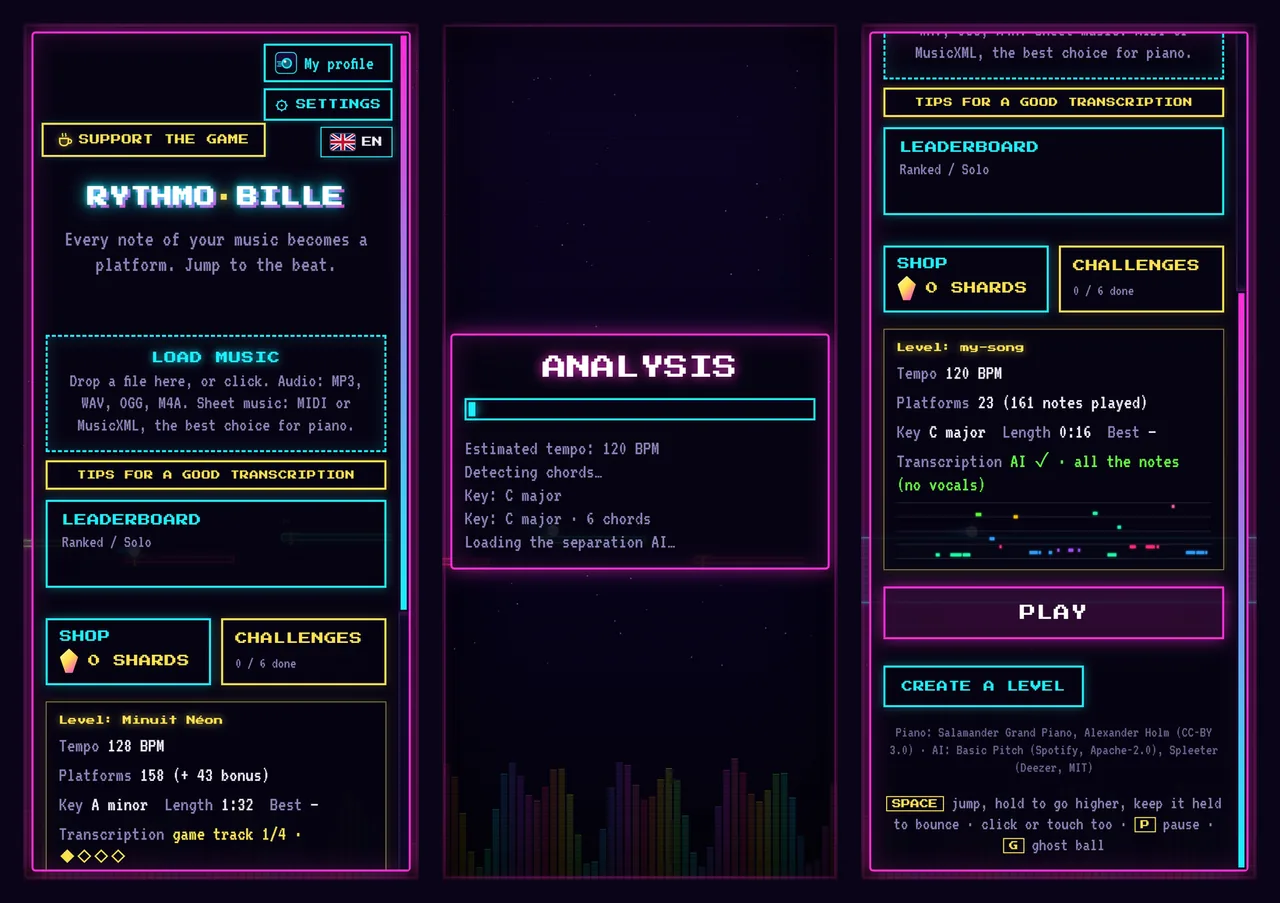
When you import an MP3, Rythmo Bille builds a playable level from it in one to two minutes. Everything happens in your browser: the file is never uploaded. Here are the steps, with the settings and measurements that guided us.
1. Separating vocals and instruments
The first step isolates the singing. The game uses a Spleeter-style source-separation model (developed by Deezer), run on the graphics card through WebGL. The song is analysed in stereo at 44.1 kHz with the model's original settings: 93-millisecond windows, moved forward by 23 milliseconds at each step, and masks up to 11 kHz. Above that, the game extends the highest masks so the “s” sounds and breaths of the voice are removed too.
The result is twofold: the vocals, which the transcription AI will listen to, and the instrumental (the song minus the voice), which can play behind you during the run with the “Accompaniment” option.
2. Listening to the notes
Notes are recognised by Basic Pitch, a transcription model released by Spotify under the Apache 2.0 licence. It listens to the vocals and the instruments separately. Three techniques improve its result:
- Removing drums before listening to the instruments. In a spectrogram, a drum hit is vertical (every frequency at once) and a held note is horizontal. A median-filtering harmonic/percussive separation (Fitzgerald, 2010) keeps the horizontal part. Measured on one song: 14% fewer instrument notes, all of them spurious.
- Tracking the pitch of the voice. The YIN algorithm measures the singing pitch every 23 milliseconds to recover sung notes the transcription misses. Measured: 93% agreement with an independent reference.
- Dropping notes nobody can sing. Notes of 80 milliseconds or less, or far outside the singer's range (sibilants, cymbal leftovers), were wrong 40% of the time. Removing them lowered the rate of wrong notes from 7.8% to 5.3%, without losing any singing.
3. What the platforms follow
The vocals lead, and the instruments take over when nobody is singing (intro, bridge, ending): the closest to the whole song. If the AI hears no vocals, the platforms follow every note of the song.
4. Building the level
Notes become platforms: height follows pitch, and the minimum gap between two platforms depends on the difficulty (0.55 s on Easy, 0.40 s on Normal, 0.30 s on Hard). Notes that are too close together become bonus notes. On Extreme and Demon, the game adds its obstacles, then checks with the bot that everything can still be played with PERFECTs.
How long it takes
Measured on the first three minutes of the same song, in full mode:
| Device | Analysis time |
|---|---|
| Laptop with a recent graphics card (RTX 4060) | about 1 minute (24 s of it for separation) |
| Computer with integrated graphics (Intel UHD) | about 2 minutes |
| Without graphics acceleration | almost half an hour |
On a slow device, fast mode (in the settings) skips vocal separation: the AI then listens to the whole song. The result is less precise on songs with vocals, but much quicker.
The same device always gives the same level for the same file. Between two different graphics cards, tiny calculation differences can change a few notes out of several hundred.
What about your music?
The imported file and the analysis stay on your device. If you publish the level, only the notes are shared by default. You can choose to also share the instrumental and vocals of music you own: read the audio sharing rules. For supported formats and import tips, see Import your music.